Save the wish
Name it so you can find it again. A shared link or text can be a starting point too; check the preview before saving it.
A guide for taking a step back
On iPhone, save what caught your eye, give it some time, then return to your wish. Decide at your own pace without turning every hesitation into an order.
View NoBuyCart on the App StoreSaving wishes is free. The Register is an optional one-time in-app purchase; see the App Store for its price. The shop in the app is a simulation. Nothing is ordered from a merchant.
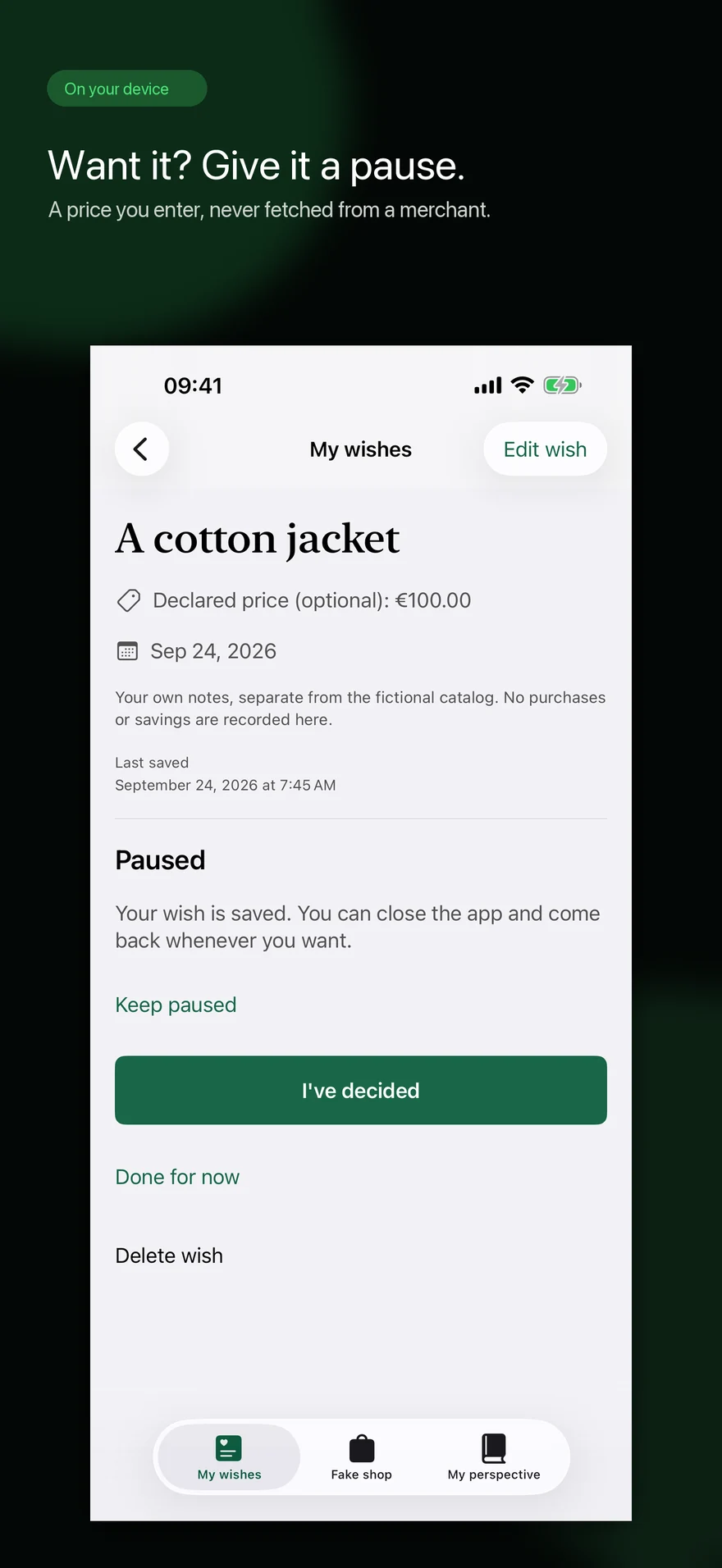
Save a wish and revisit it
Name it so you can find it again. A shared link or text can be a starting point too; check the preview before saving it.
Note what appeals to you or what you hope to do with it. You can reread this note before deciding.
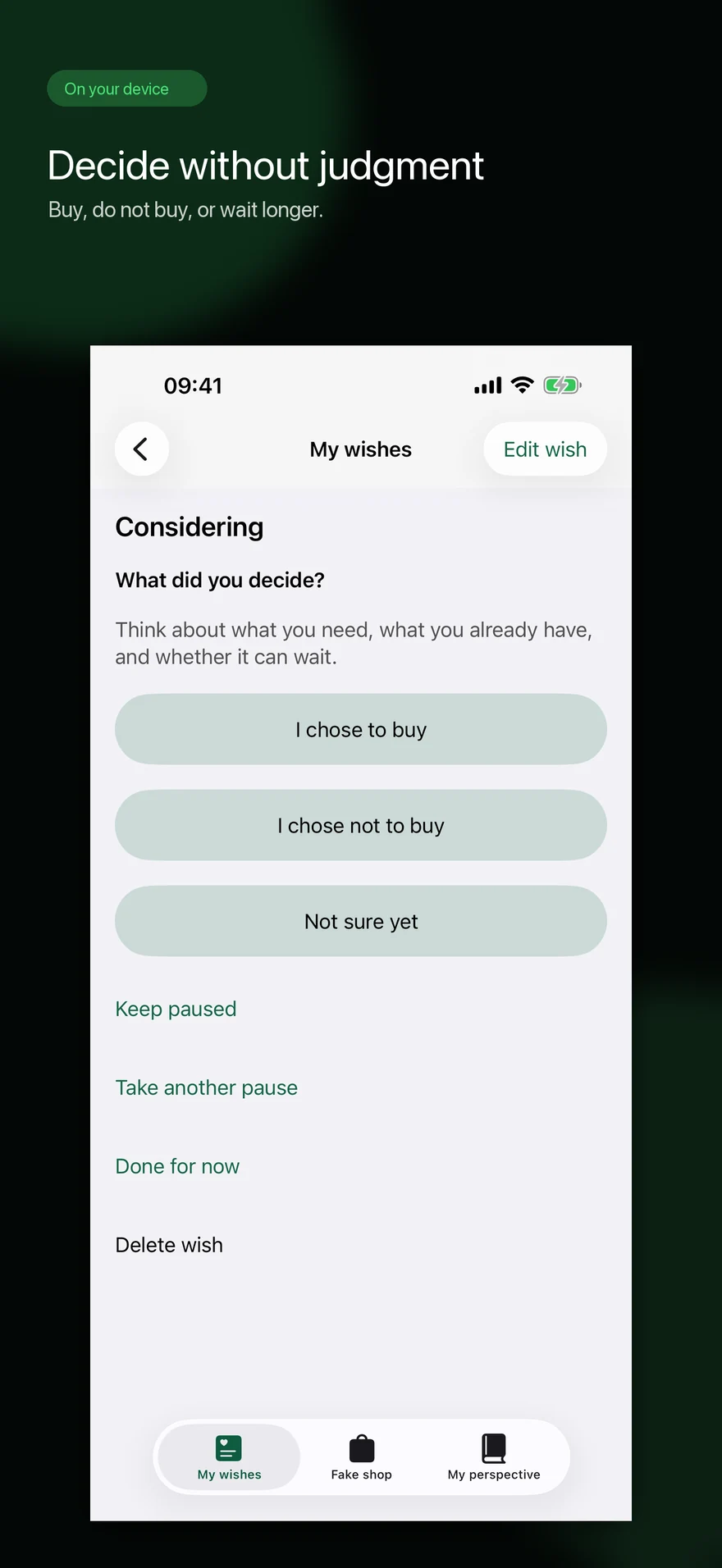
Read your note again, then keep the wish paused or record your decision. The fictional shop remains a separate exercise.
At your pace
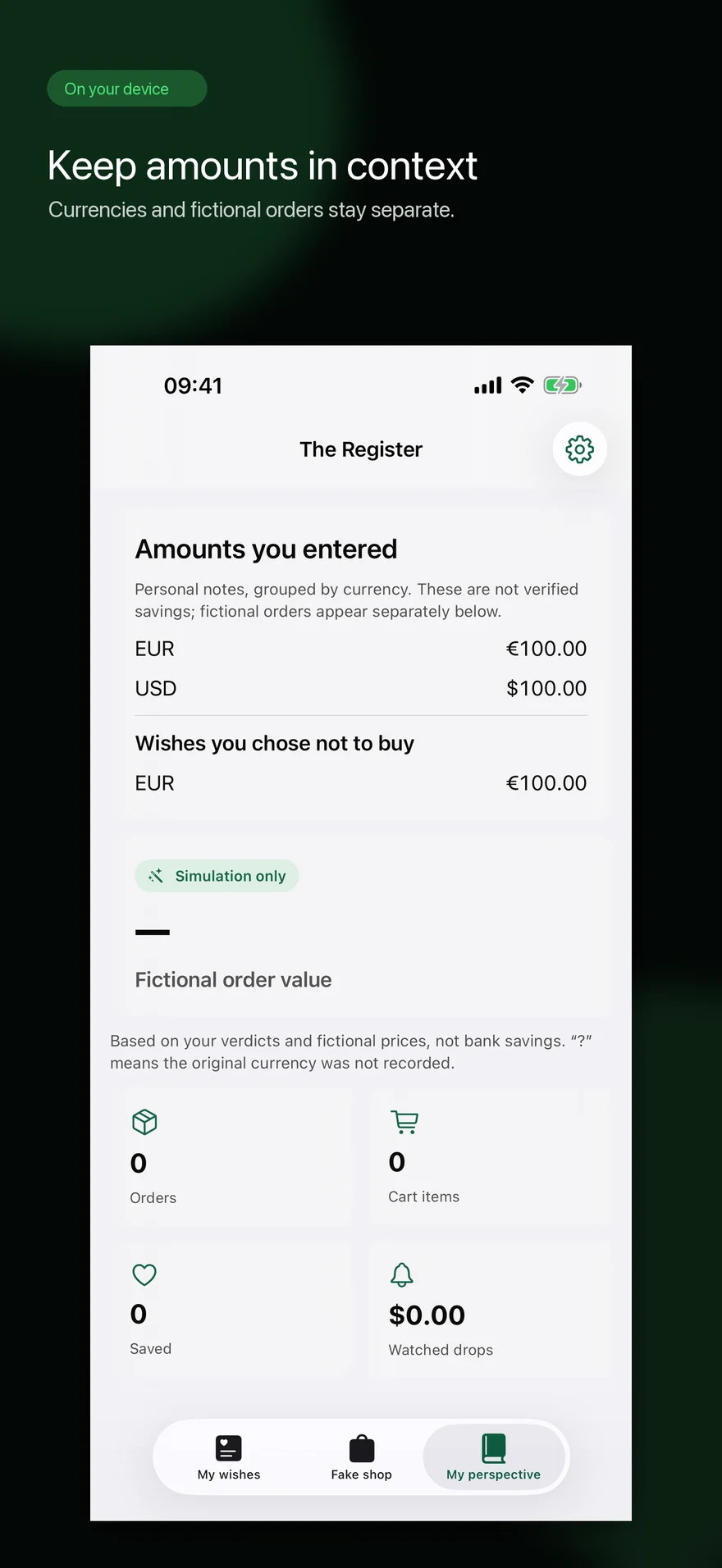
NoBuyCart helps you keep track of wishes and decisions. It does not verify bank accounts, measure real savings, replace professional support or give personalized financial advice.
Does the shop order anything? No. Its cart and orders are fictional.
Where are my wishes kept? On your device, without a NoBuyCart account. For a question or problem, use the support form.
View the app on the App Store