
Find a food again
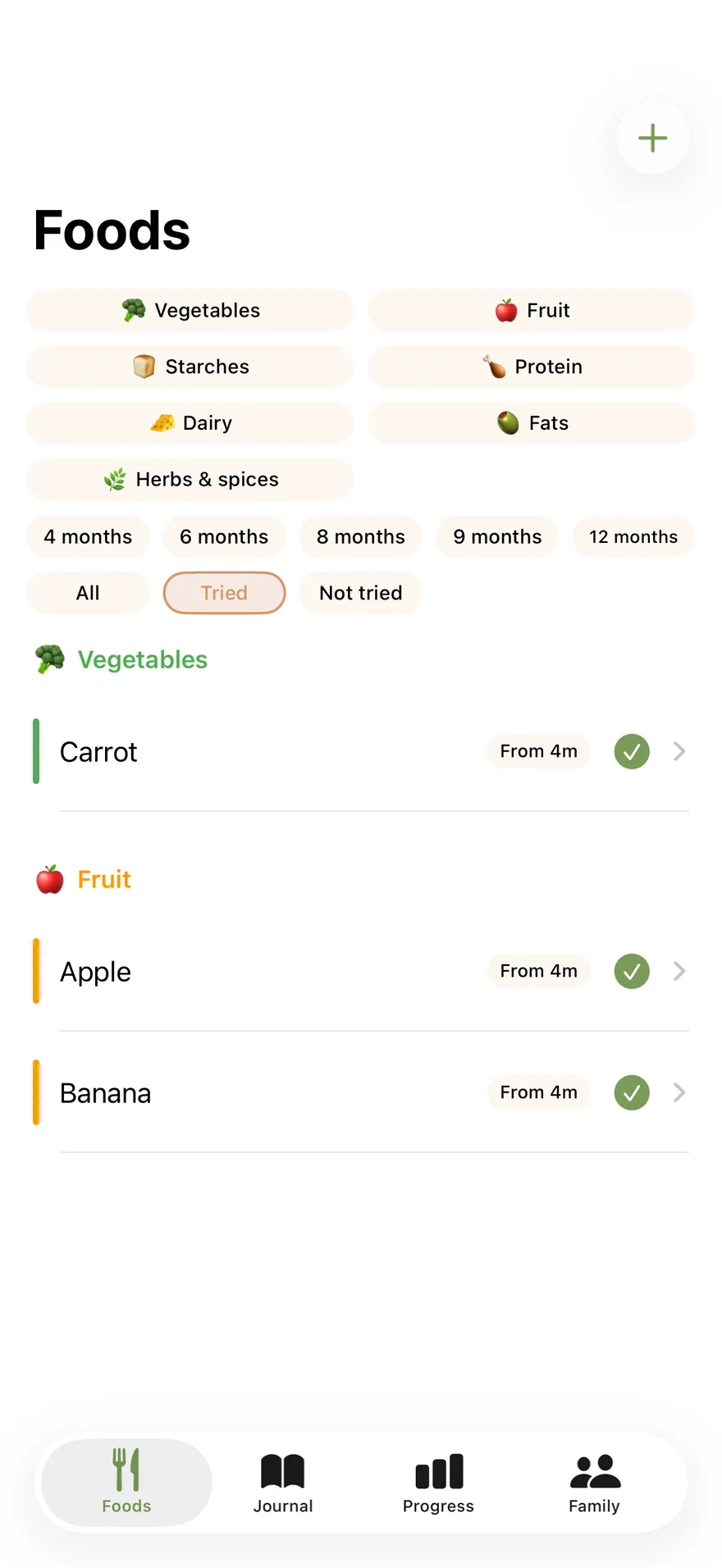
The catalogue has 197 foods, arranged by category. Find foods already tried or add your family's own foods.
 Petites Bouchées
A journal for starting solids · iPhone · Android
For parents starting solids: keep track of what your baby tried, their reactions and your notes, even several meals later.
Purchase options are detailed in the App Store listing and in the app.
What it does
The catalogue has 197 foods, arranged by category. Find foods already tried or add your family's own foods.
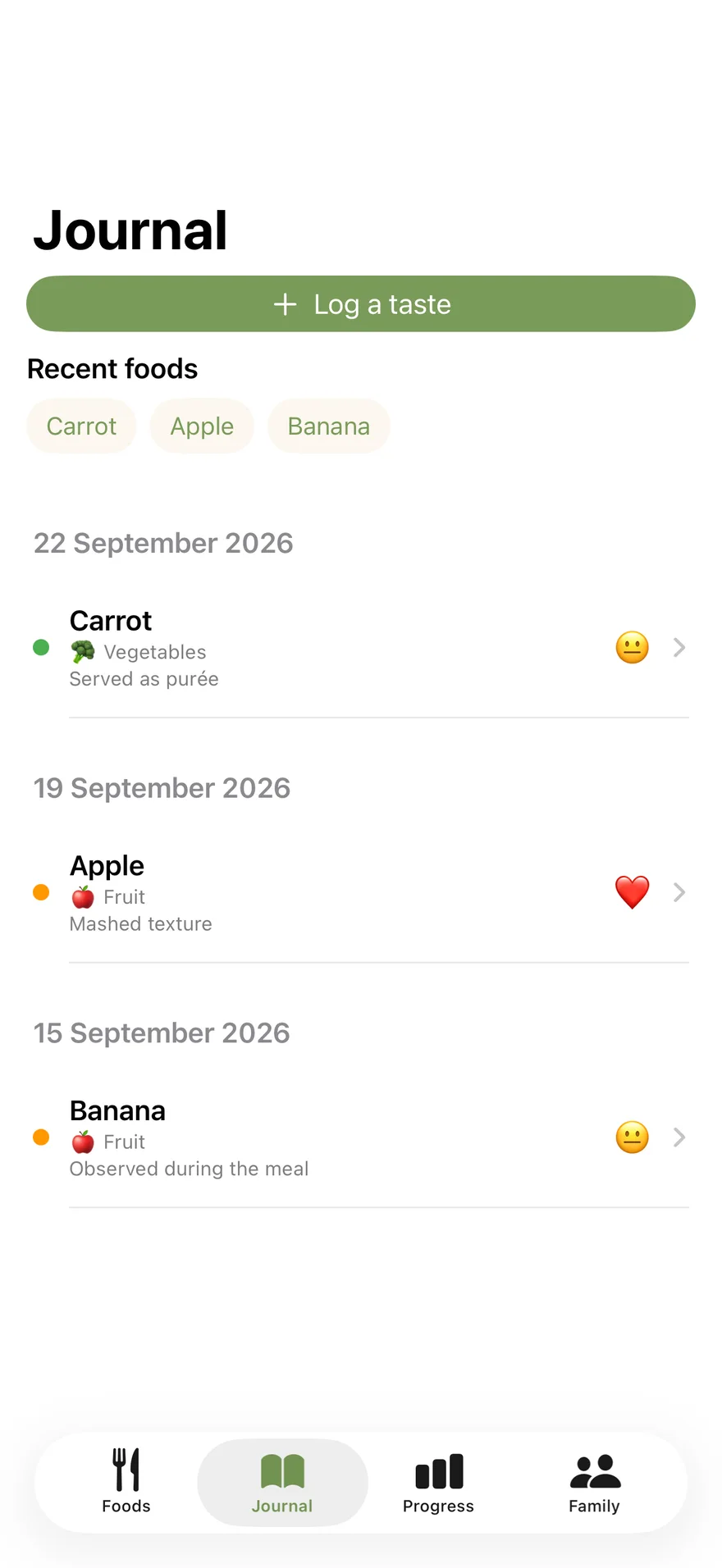
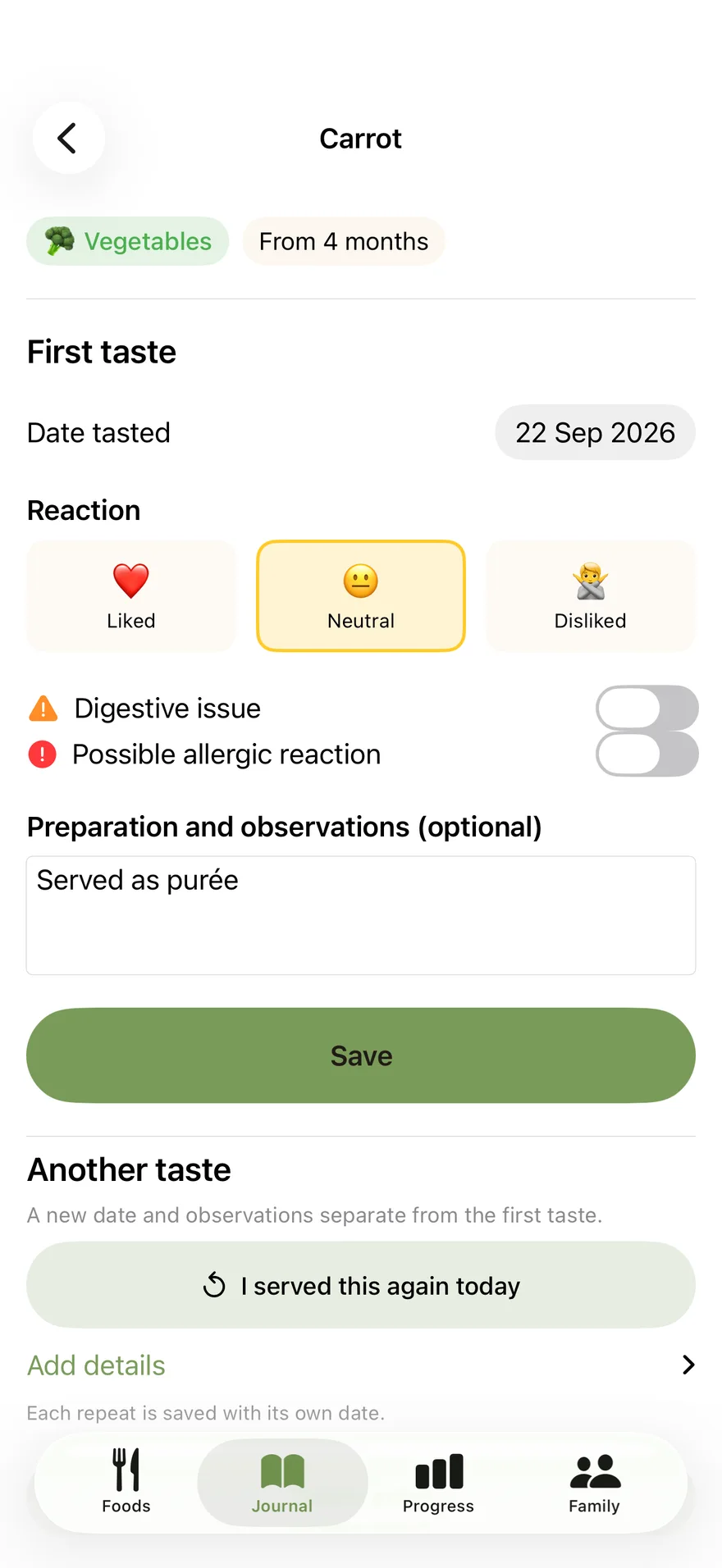
Add each repeat serving with its date, the reaction you observed and a preparation note. The first taste stays in the journal.
Each food keeps the date, reaction and your notes for every serving. The journal provides no diagnosis or medical advice.
Screens from the iOS app · tap to enlarge
Keep a record of the foods your baby has tried and the observations you want to remember or share.
Find a food, log a taste and look back through the dated journal. Review your progress and prepare useful information for the people caring for your baby.
Baby's Records is a one-time purchase for the documents offered in the app. The journal remains free.
Data transfer between devices is manual. The journal does not diagnose conditions or replace medical advice. The app interface is available in English, French and Spanish.
No. Petites Bouchées records introductions and your observations. It does not provide medical advice or diagnose any reaction. For feeding advice or a possible allergic reaction, contact a qualified health professional.
On iOS, family transfer is manual: export the journal, then import the file on the other parent's phone. You choose when to share the file; there is no automatic sync.
The catalogue, journal, allergen tracking and family file transfer stay free. Baby's Records is a one-time purchase, with no subscription, to export three PDFs generated on the iPhone: a feeding record for the paediatrician visit, a list of foods already tasted for nursery, and a book of firsts. The first page of each document is free to preview from the Family tab. The purchase is shareable with Family Sharing. Purchase terms are in the app and on the App Store.
More independent apps
Support
Describe your question or the issue you encountered. Your message will be sent to support.